The Employee Experience
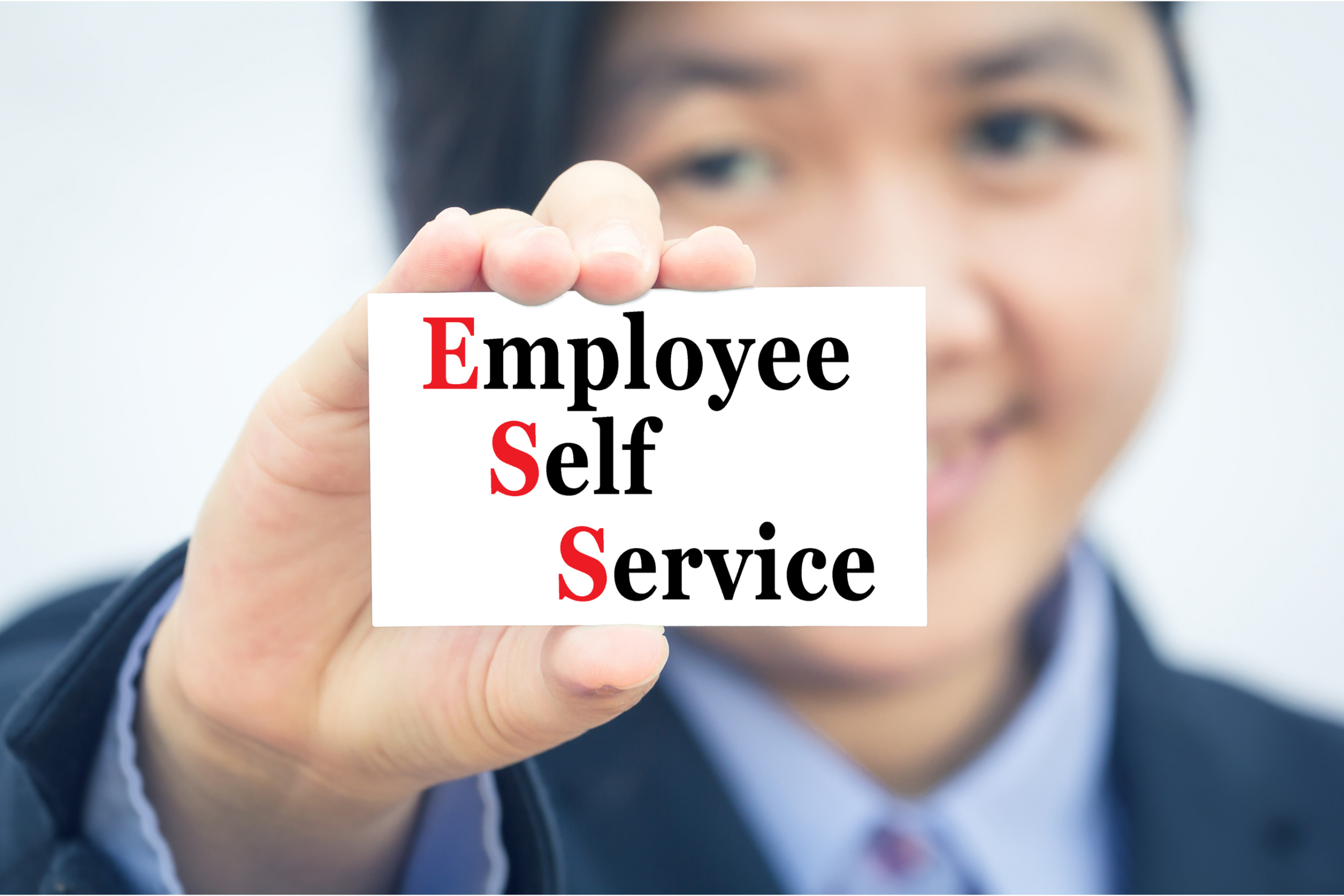
Self-Service Access
Enable employees to independently manage their HR needs with ease and efficiency.
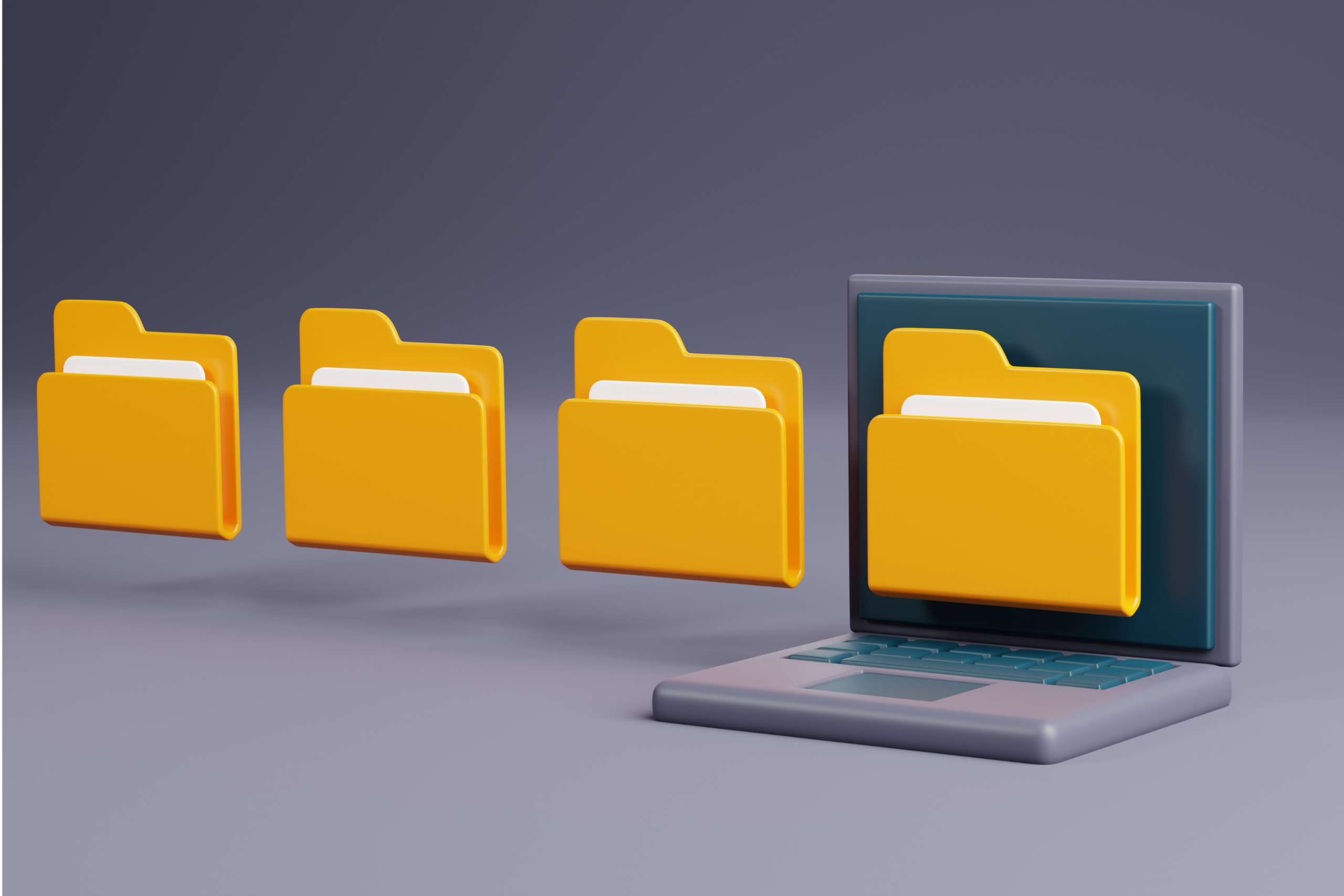
Centralized Information
Access personal documents, appraisals, and more in one convenient location.
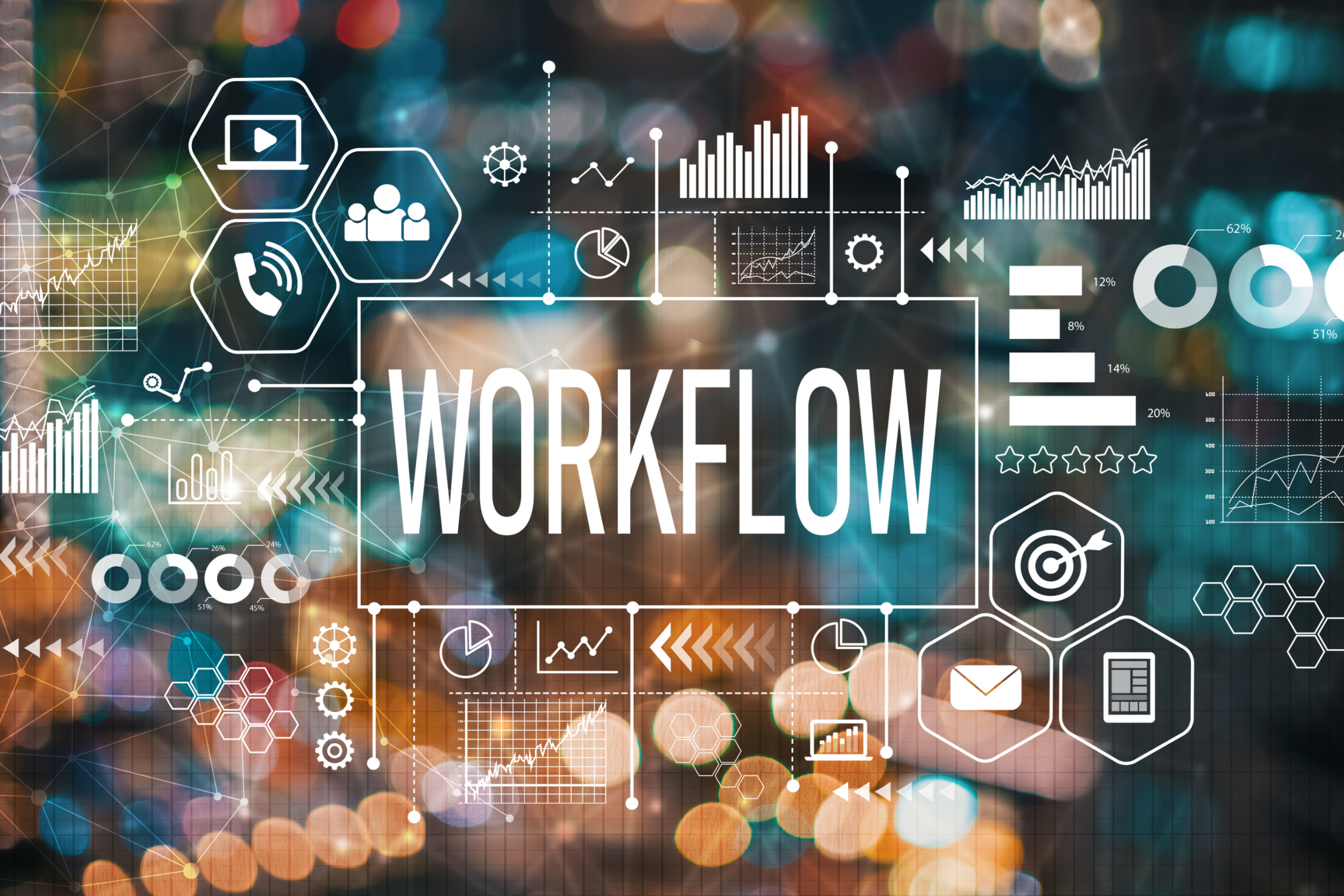
Automated Workflows
Trigger HR processes like holiday, business trip, and remote work requests swiftly and paper-free.
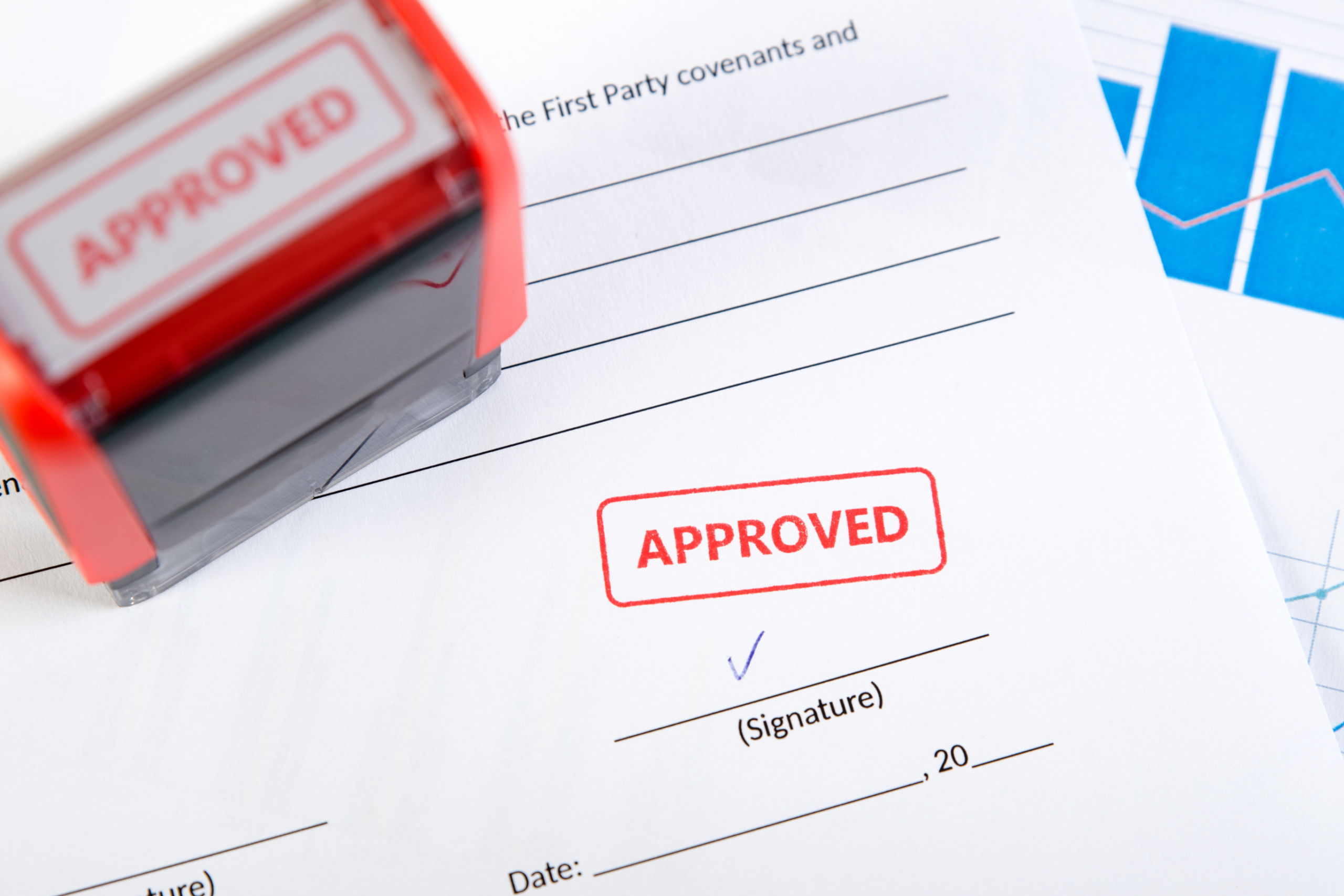
Fast Approvals
Approval status updates automatically as requests move through the workflow, so employees know where things stand and get faster turnaround without paper or email chains.
Enhance Employee Experience
Give employees self-service access to their HR information, built for accredited nonprofits, social-service agencies, and SMBs.
Streamlined Processes
Holiday, business trip, and remote work requests move through automated workflows instead of email chains and paper forms.
Effortless Access
Pay slips, appraisals, and training records sit in one secure place, on a desktop or a phone's browser.
Employee-Led Access
Employees handle routine HR requests themselves, so HR spends less time answering the same questions.

Efficiency Through Automation
Streamlined HR Communication
Automating HR communications helps organizations streamline operations, reduce administrative burden, and support employee satisfaction. It also saves HR teams time and helps employees get timely, accurate information.
Boost Internal Communication with Sincron HR
Enhance your organization's communication strategy with Sincron HR's Employee Portal, including pulse surveys for real-time feedback. Streamline formal and informal exchanges, so your team stays connected and informed.
Explore Our Employee Portal Services

Access Personal Documents
Gain instant access to your personal documents, including pay slips, appraisals, and training records, all in one secure location.

Set and Track Goals
Define your career objectives and monitor your progress with our intuitive goal-setting tools, designed to help you succeed.
Streamline Appraisals
Participate in clear, consistent appraisal processes that provide valuable feedback and support your professional growth.

Manage Approvals Efficiently
Handle approvals for holidays, recruitment, and more with ease, thanks to our automated workflows that align with your company’s structure.
Simplify HR Processes with Our Portal
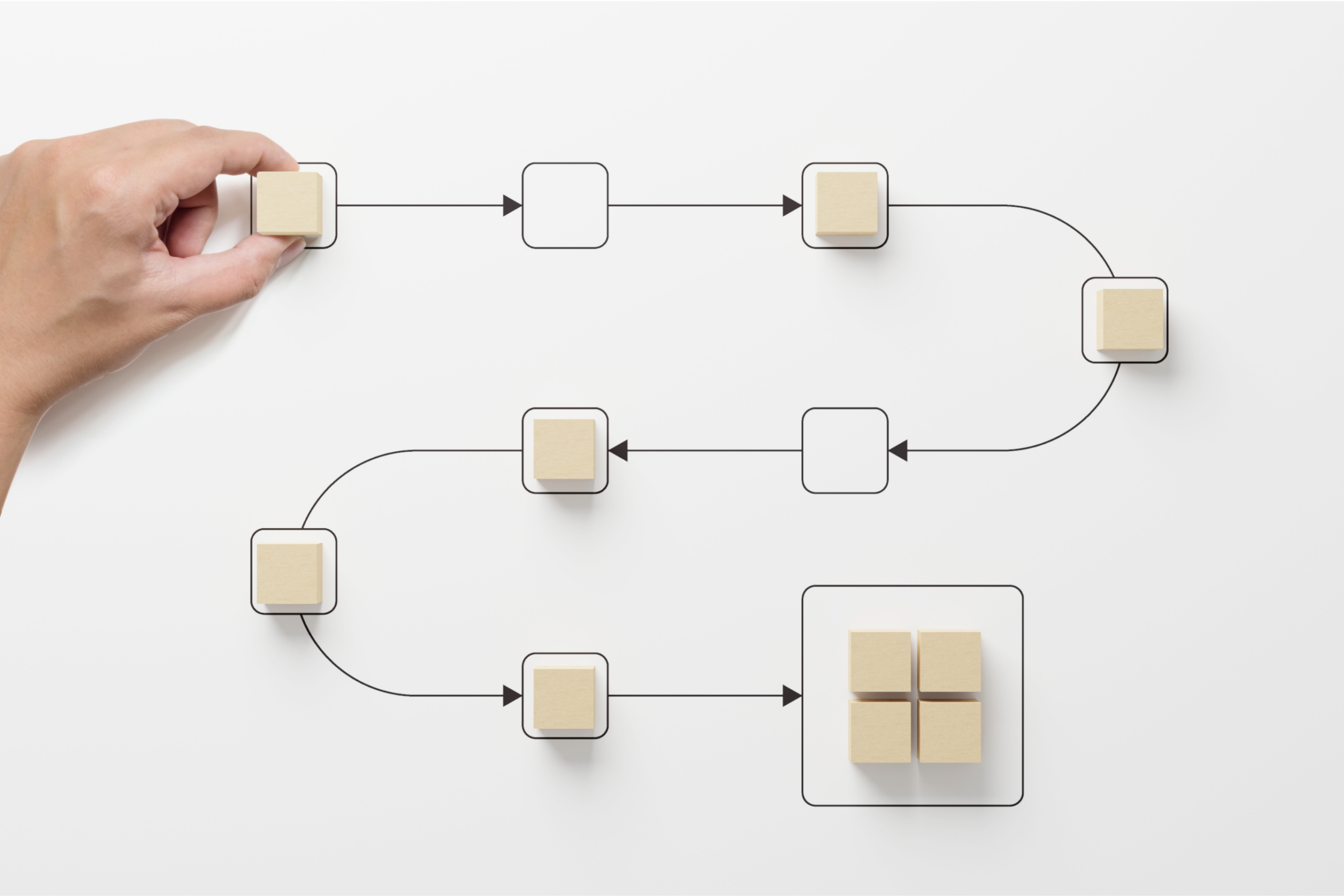
Step 1: Initiate Requests
Step 2: Automated Workflow
Step 3: Track and Resolve
FAQs - The Employee Experience
Learn the most common inquiries about Sincron HR Pro's employee experience to understand how we can meet your organizational needs.
What is Sincron HR Pro's Employee Experience module, and what can employees do through it?
Sincron HR Pro's Employee Experience module gives every employee self-service access to their own HR information, letting them manage holiday, business trip, and remote work requests, view personal documents, and track their own goals and appraisals, all from the same platform as the rest of Sincron HR Pro's HR tools, without going through HR for routine requests.
Can employees request time off, business travel, or remote work directly through the portal, or does everything still go through HR by email?
Yes. Employees submit holiday, business trip, and remote work requests directly through self-service automated workflows, rather than emailing HR or a manager and waiting for a manual response.
How do employees know whether a request was approved, and how fast is approval typically?
Approval status updates automatically as a request moves through the workflow, so employees can see where things stand without asking HR for an update, and get faster turnaround than a paper or email-based approval chain. How quickly a request is approved depends on the approval steps your organization sets up, since the workflows are configured to match your own structure.
Does the portal give employees access to their own pay slips, appraisals, and training records in one place?
Yes. Employees can access their personal documents, including appraisals, training records, and pay slips (through the optional payroll API add-on), from one secure, centralized location inside the portal instead of requesting copies from HR individually.
What are pulse surveys, and how do they work in the Employee Portal?
Pulse surveys inside the Employee Portal let an organization collect real-time feedback from employees to support its HR communication strategy.
Can employees set and track their own career goals through the portal, or is that managed only by a manager?
Employees can define their own career objectives and monitor progress directly through the portal's goal-setting tools, the same goal-tracking system covered on Sincron HR Pro's Performance Management module, rather than goals living only in a manager's private notes.
Is the Employee Experience portal mobile-friendly, since a lot of employees aren't sitting at a desk all day?
Yes. Sincron HR Pro doesn't have a native app in the Apple App Store or Google Play, but the portal works directly in an employee's phone browser and behaves like an app once a home-screen icon is set up, so employees can submit requests and check approvals without needing a desk or a separate download.
Is Sincron HR Pro's Employee Experience module HIPAA, PIPEDA, and GDPR compliant?
Sincron HR Pro is built to support HIPAA (United States), PIPEDA (Canada), and the EU's GDPR data-protection standards across the platform, including the personal documents, appraisals, and feedback employees access through the portal. Sincron HR Pro is not independently HIPAA- or PIPEDA-certified, since no formal certification of that kind exists for HR software vendors under either law.
Is the Employee Experience module included in Sincron HR Pro's standard subscription, or is it an add-on?
The Sincron HR Pro software itself is free (including the employee portal) — what you're investing in is the hands-on consulting and support that gets it working for your organization.
Every relationship starts with a free demo and follow-up conversations at no cost, so your team can see the platform and ask questions before committing to anything. From there, a free 60-day Implementation Trial (FIT) gets your organization fully configured and trained at no cost, with no obligation to continue if it's not the right fit.
Going live is a one-time $1,799 fee ($899 for eligible nonprofits), due once the trial wraps up. Every core module, including the employee portal, is included in your Sincron HR Pro subscription at $12.50 per user per month ($10 for nonprofits), with optional add-ons available separately for extra functionality.
Curious whether this fits your organization?
Request a free demo and we'll walk you through it.
Ready to Get Started?
See how Sincron HR Pro fits your organization's size, budget, and compliance needs. Schedule a free demo, or jump straight into a free 60-day Implementation Trial (FIT) and get hands-on with the platform before anything costs a dollar.